



Intuitive and Easy to Deploy Mobile & Desktop Softphone
Allow staff to work remotely using the Sangoma Connect Mobile app for iOS and Android devices. Employees can enjoy voice and Sangoma Meet multi-party video collaboration, using their business extension, while keeping their personal device information private.
The intuitive onboarding process sends an auto-generated email to each user upon activation from the PBX with simple instructions for them to download the app with instant log-in. It’s as simple as that!
Communication for Today’s Flexible Workforce

Make phone calls using your extension, whether in or out of the office

Chat with co-workers in private or in group settings for quick updates

Video Chat with remote colleagues and engage

Communicate between workstation and mobile for maximum flexibility

Screen-share and improve collaboration
Mobile Softphone App Features
Audio & Video Calls Using Your Extension
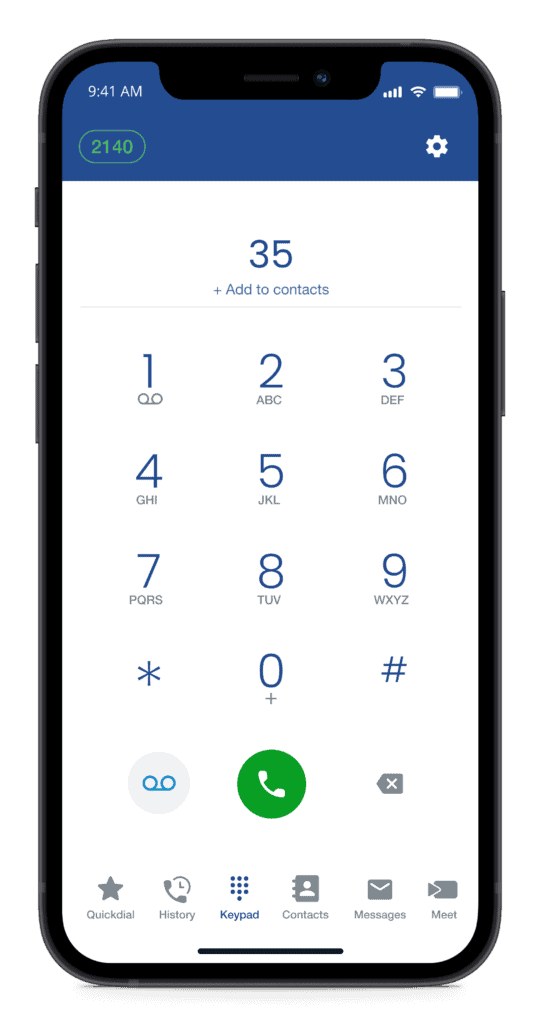
Make and receive calls using your mobile device, while protecting personal phone number, using mobile data or a WiFi connection.Text
3-Way Conferencing
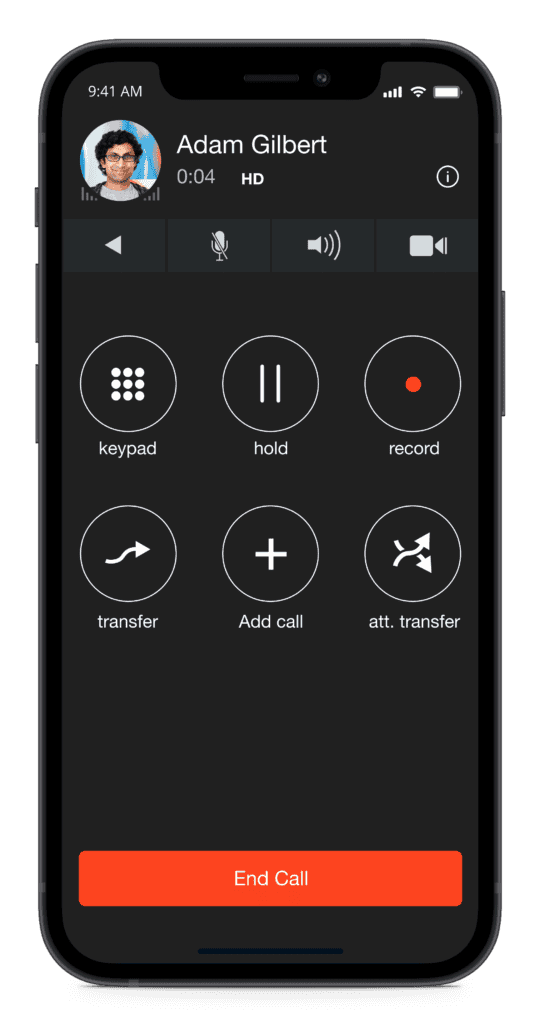
Quickly and easily add a third person to any call. You can also split the conference in order to put the callers into two different calls again.
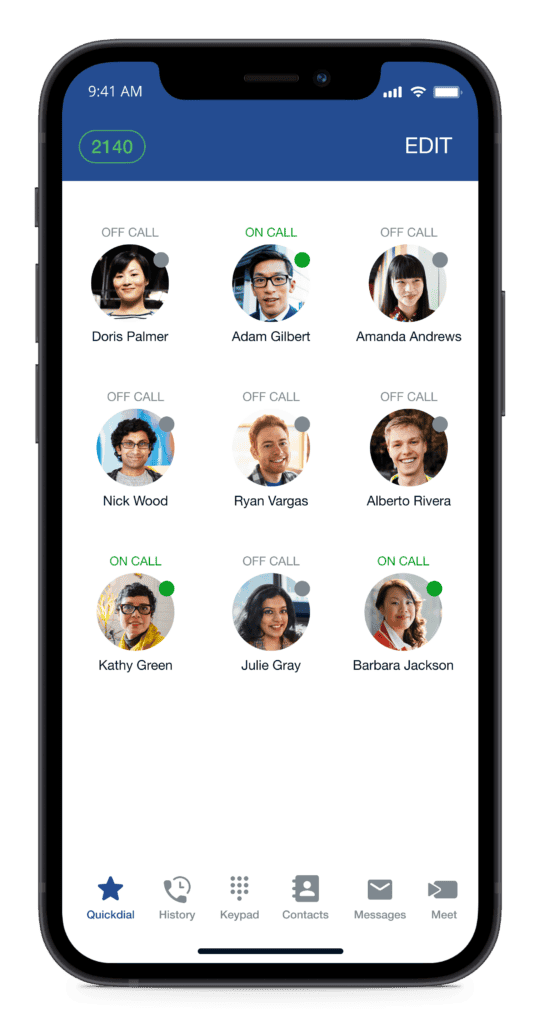
Quickdial with BLF
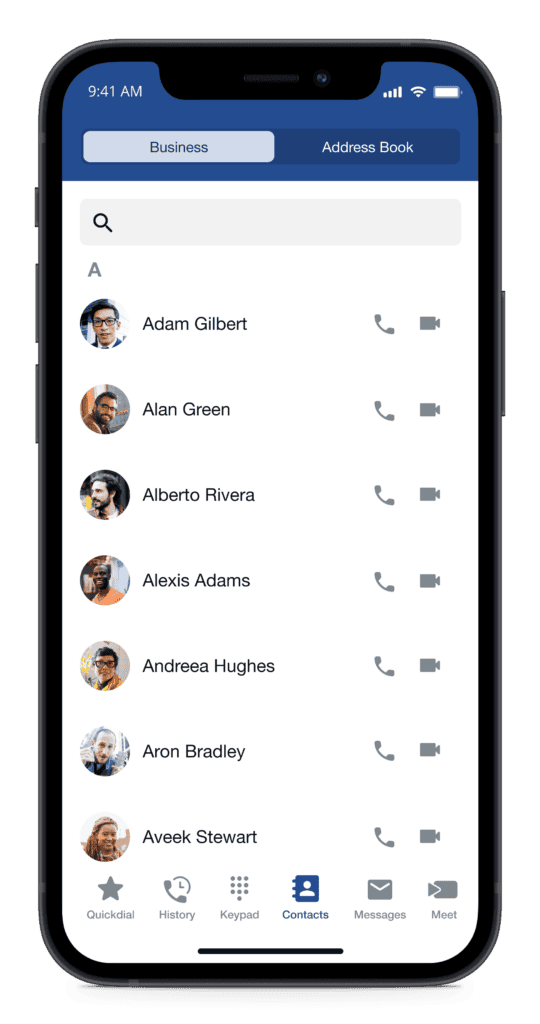
Create a list of favorite contacts for easy access with BLFs (Busy Lamp Field) that also show the current status of your colleagues.
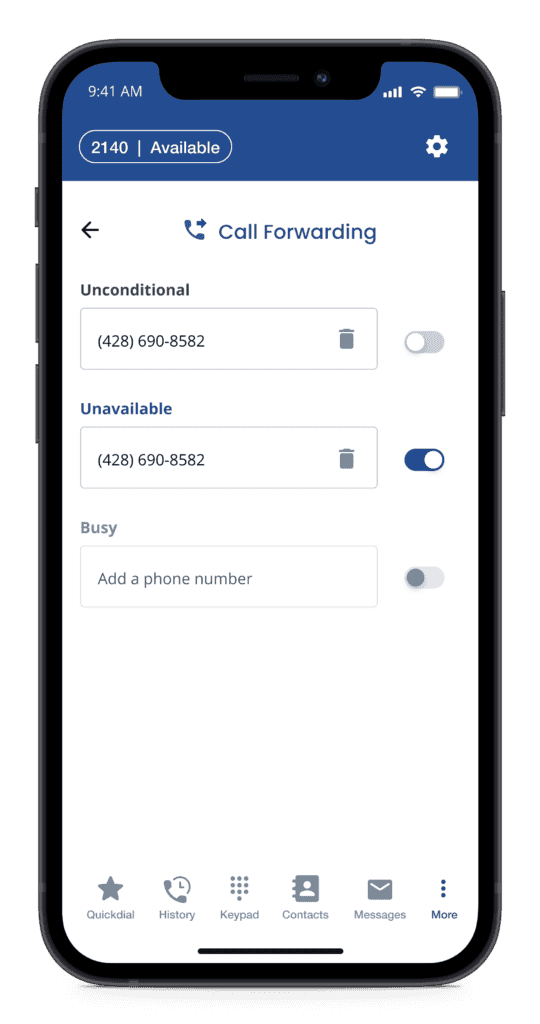
Do-Not-Disturb (DND)
Silence all inbound business calls when you don’t want to be disturbed, manually or using the scheduling feature to automatically set DND when outside of business hours.
Multi-Language Support
Support for dozens of languages means your employees can work comfortably, anywhere in the world.
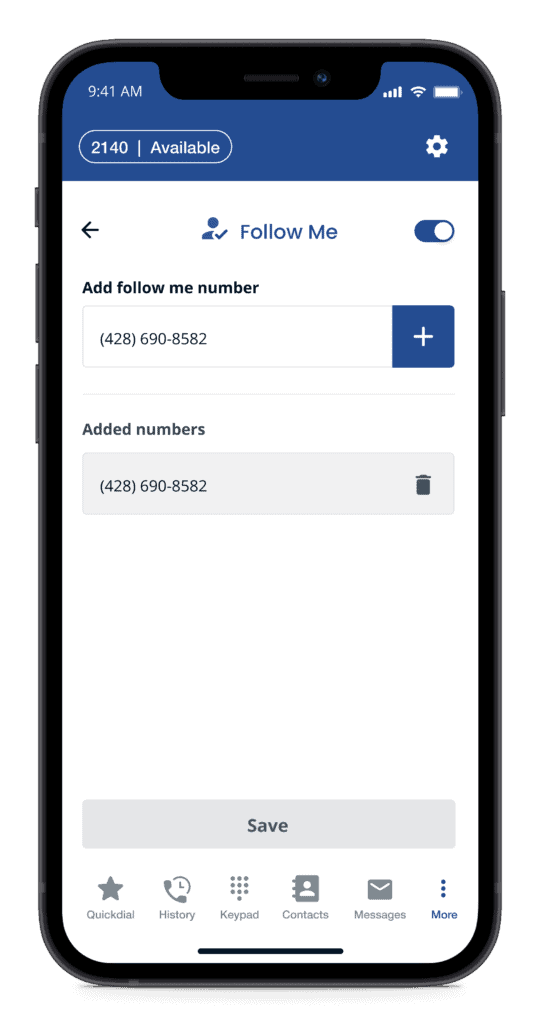
Powerful Call Control
Users can easily blind transfer and warm transfer client calls, record calls, and have 3-way conference conversations.
Secure Provisioning and Onboarding – Made Easy!
System administrators simply enable access for users from the admin interface and an auto-generated email is sent to each user with simple instructions to download the app and automatic sign-in. It’s really that simple!
Our built-in cloud provisioning service automatically handles certificate management, saving you time manually signing and installing certificates on your phone system and enabling remote access for users.
Sangoma Connect users are also protected by TLS/SRTP encryption, which means their phone calls are kept private while on cellular or WiFi connections, and your business is secured from any unauthorised connections.
The Desktop Softphone
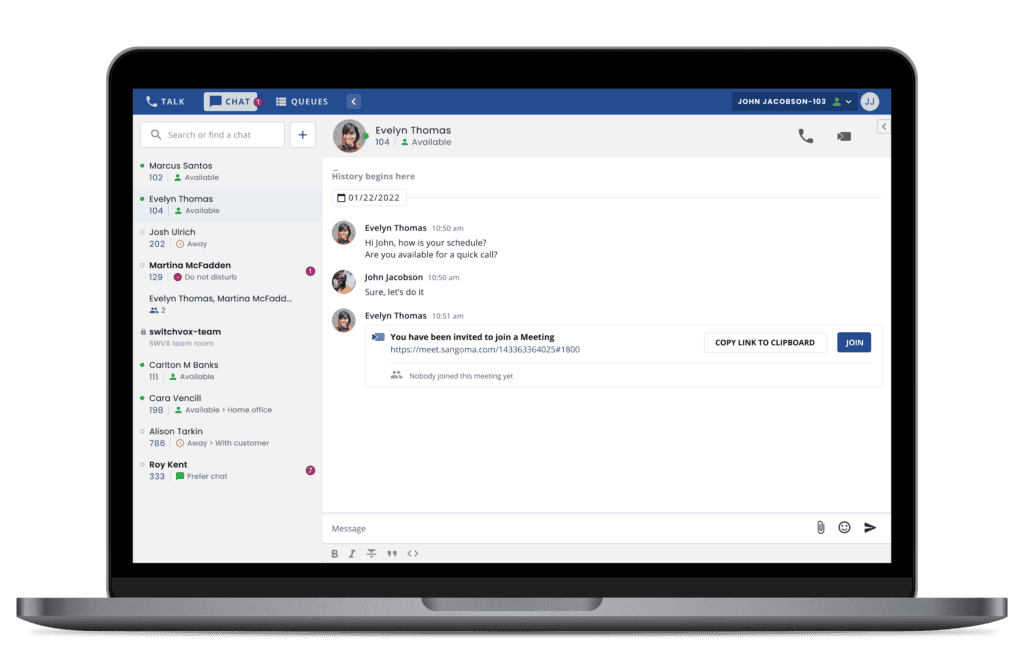
Chat
Chat with colleagues one-to-one, in a group, or in custom rooms, for team discussions
Move your chats into a video call with a click of a button, whether you are in a 1:1, group or room chat
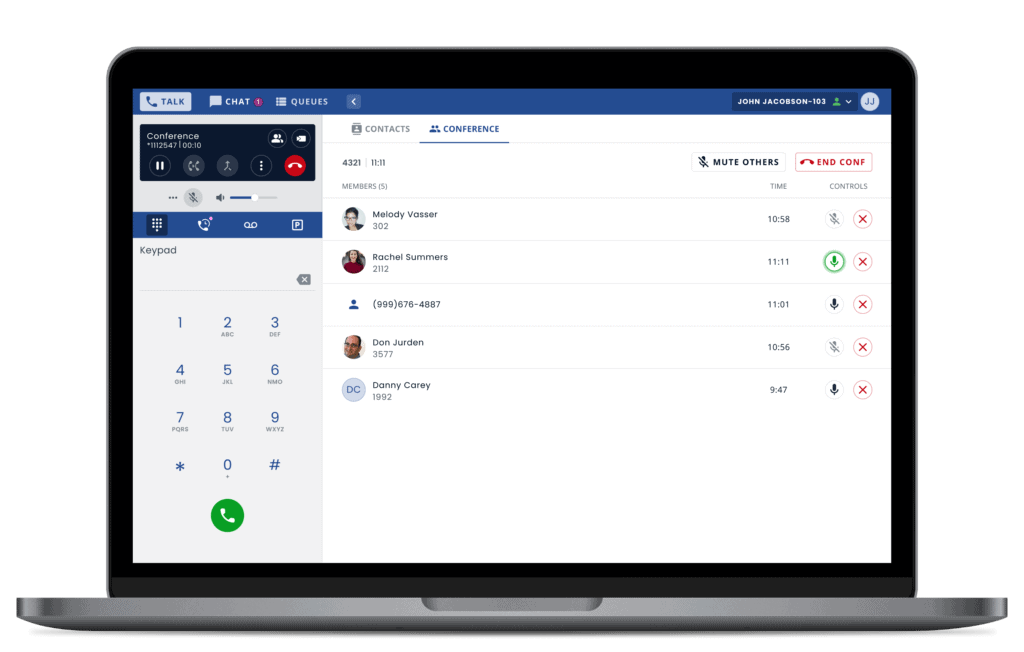
Audio
Hold/Resume
Transfer – send the call to ring another number. (often called a blind transfer)
Merge – conference one call into another.
Audio Conference Manager – see your conference-call participants and who is doing the talking, mute people, kick people out of the conference, or end the conference entirely.
Record – start and stop a recording of your active call.
Video call, screen-share and chat with an exceptional experience
Video call, screen-share and chat with colleagues and clients with Sangoma Meet video conferencing integration
Move voice calls to a video conference with a click of a button, and have all participants automatically joined. Participants who don’t have the Desktop softphone available, such as external clients will automatically join the video conference as an audio-only participant
Create a meet invitation within a chat room for participants to click and instantly join. Perfect for team meetings with remote workers
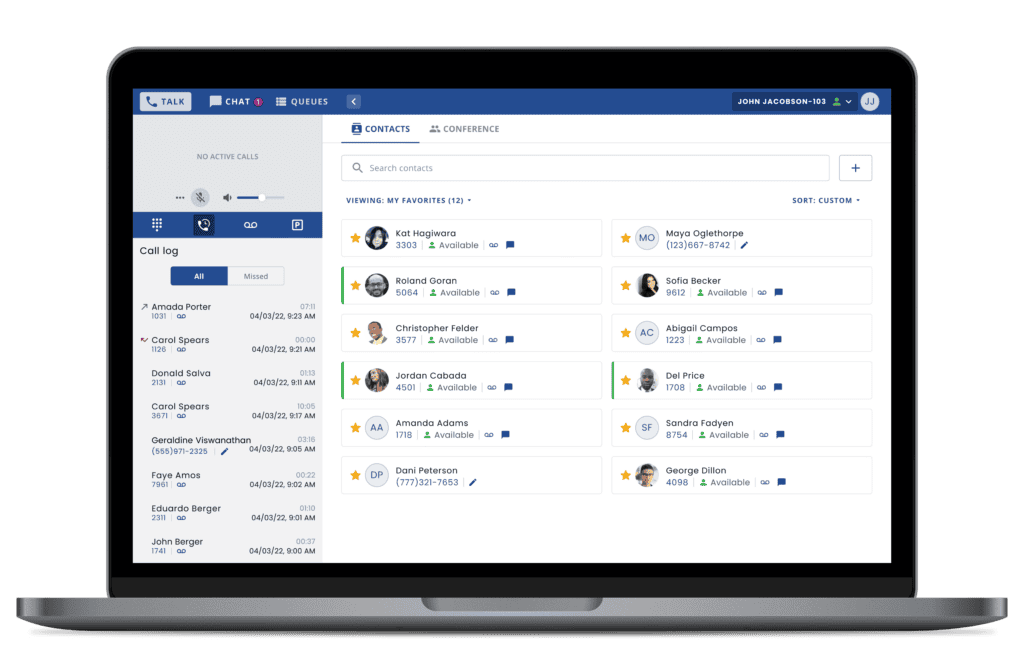
Essentials
Presence Status and Control
Favorite Contacts and Contact Search
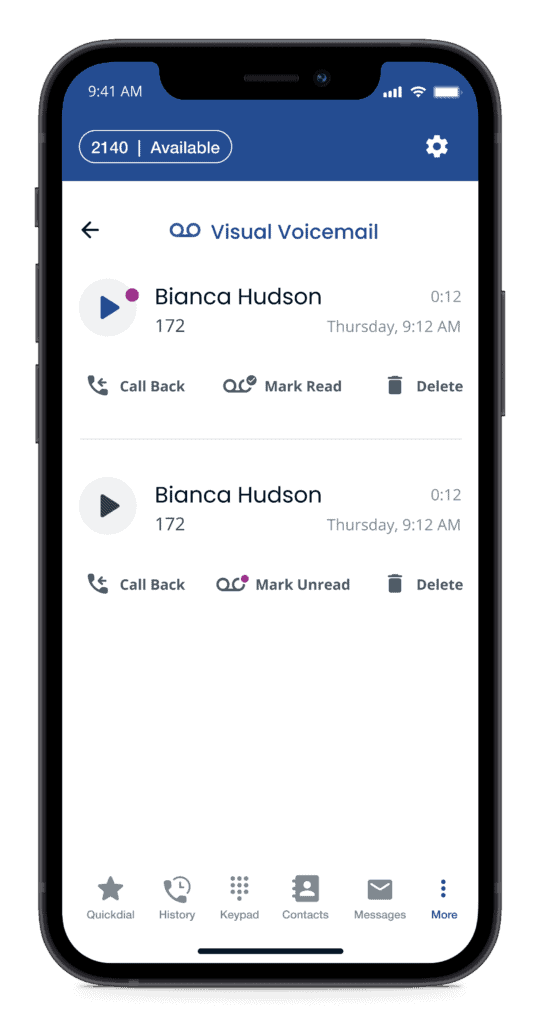
Visual Voicemail
Call Log